Beginner Guide
To start in Throw Lucky Block For Animals, walk across the yellow line onto the blue throwing platform, release a Lucky Block down the range, crack the landed block to claim an animal, and place that animal onto your plot to begin generating cash per second.
Making Your First Throw
The tutorial directs you across a yellow line toward the blue throwing platform. Look for the Throw control and charging meter once you step into the lane. Leaping inc says farther throws improve animal luck.
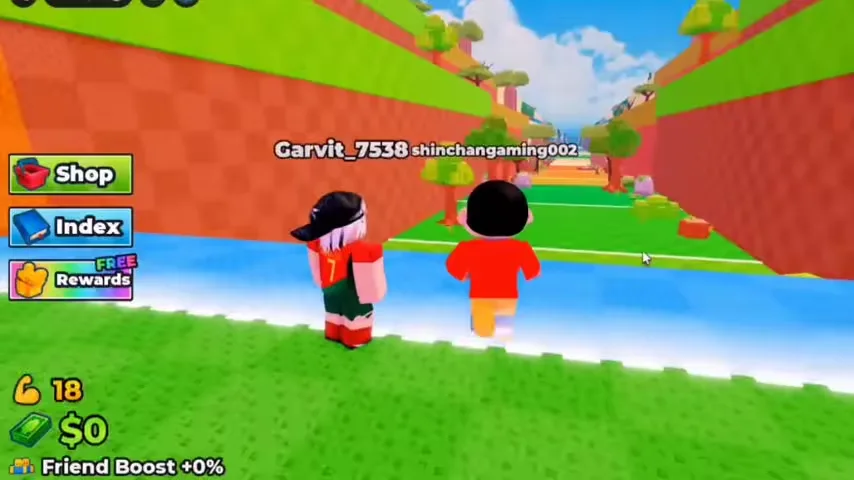
- Walk over the yellow line and step onto the blue throwing platform.
- Watch the charging meter appear on screen alongside the Throw control.
- Activate the Throw control to launch the block down the track.
- Watch for the landing area and the clover multiplier above the block.
- Crack open the landed block to add the revealed animal to your hotbar.
If the throw control does not appear, check that your character has crossed the yellow line onto the blue platform and that you are not still in a training interaction.
Placing Animals on Your Plot
After your first catch, the HUD prompts you to click your base to place the animal. Select it in your hotbar and use the placement action shown on your device.
- Return to your assigned plot near the starting zone.
- Select the newly collected animal from your lower hotbar.
- Click an open base pad on your plot to set the animal down.
- Confirm that a cash-per-second rate appears above the placed animal.
One early catch in recorded gameplay was a Common Squirrel showing $3/s. Check the current rate in your own session.
Early Training and the Lucky Block Shop
After placing your first animal, the tutorial guides you toward the pull-up bars and the Lucky Block Shop. Using these stations in order prevents an early cash stall.
| Station | Observed Prompt or Interface | Immediate Purpose |
|---|---|---|
| Pull-Up Bar Circle | Stand on circle to train | Builds training XP and levels so throws reach farther down the track. |
| Lucky Block Shop | Shows block tier, price, and Equipped status | Lets you buy and equip blocks across higher tiers using earned cash. |
| Upgrade Plot Board | Displays plot upgrade options near the base | Shows the current upgrade offer at your base. |
| Daily Rewards | On-screen claim interface | Shows reward entries and a claim timer. |
As a practical suggestion, keep at least one active animal generating cash on your plot before spending time on the training circle, so your balance grows while you train.